What is Power Automate?
Power Automate carries out tasks that you would otherwise do by hand, again and again. You build a flow: a series of steps that starts when something happens, such as a new email, and then does things on its own, such as saving a file or sending a message. You do not need to program. You click your flow together.
What do you use Power Automate for?
Anything you do regularly in the same way can be automated. A few examples:
- Automatically save attachments from emails to OneDrive or SharePoint.
- Post a message in Teams as soon as a new file arrives.
- Ask your manager for approval and keep track of the answer.
How is a flow built?
Every flow consists of three kinds of blocks: a trigger as the starting signal, one or more actions that do something, and optionally a condition that makes a yes/no choice. The home page has an example, and you can find all the terms on the glossary page.
Try it yourself
-
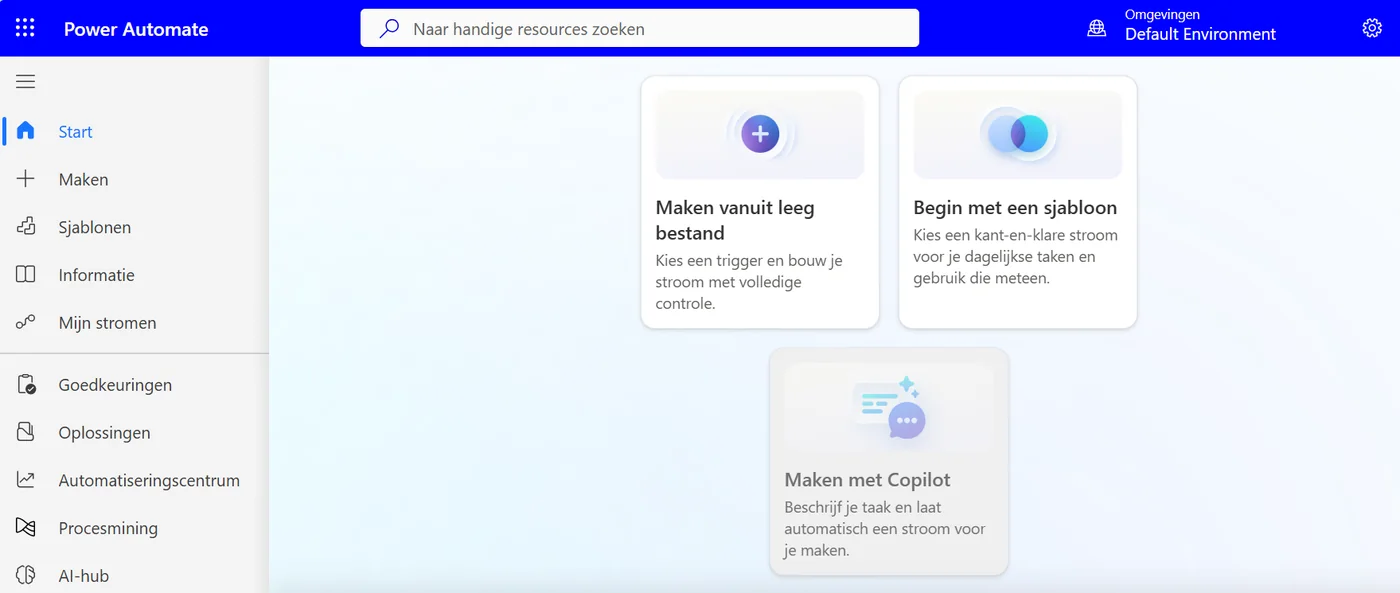
The menu on the left has My flows and Templates. Tap the image to enlarge. It shows the Dutch interface. -
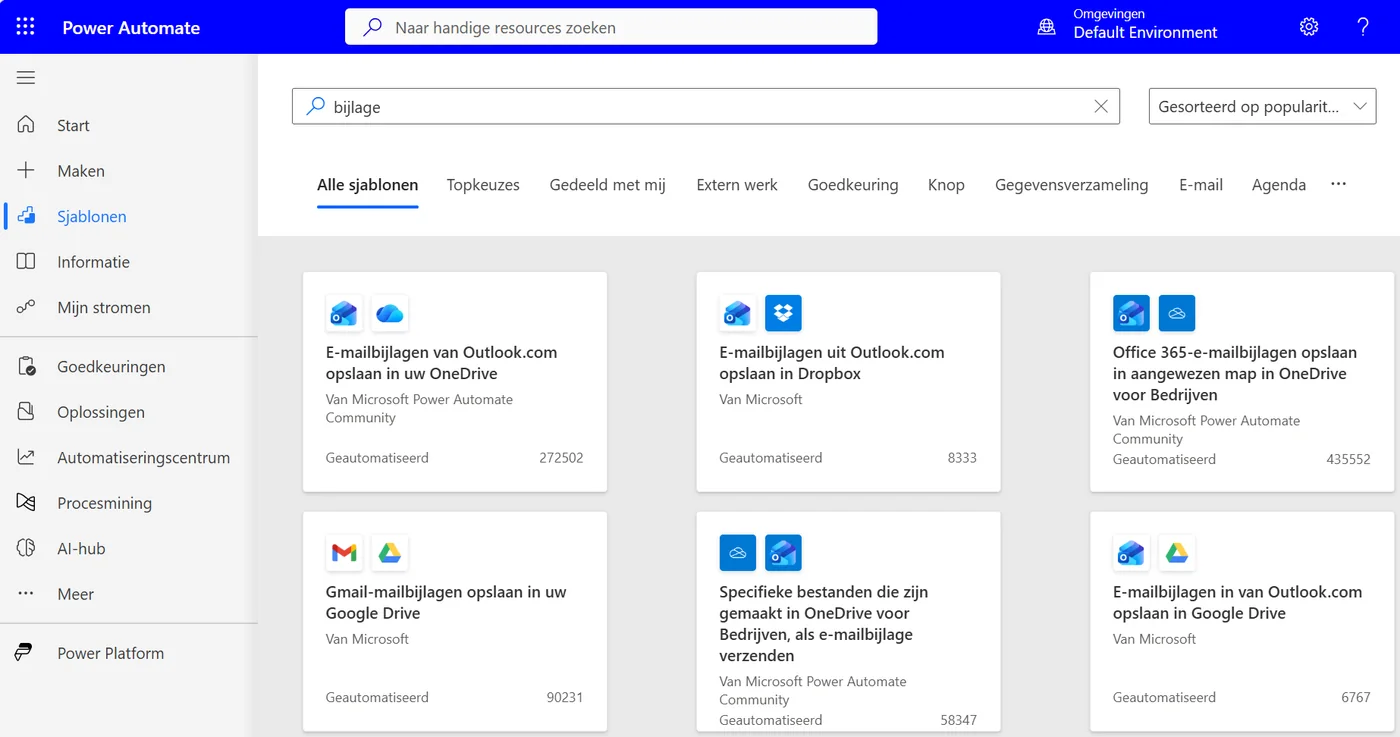
On the Templates page you can search for an example. Tap the image to enlarge. It shows the Dutch interface.
Cannot sign in? Your organization has to have enabled Power Automate for your account. Ask your administrator if it does not work.
Last updated: